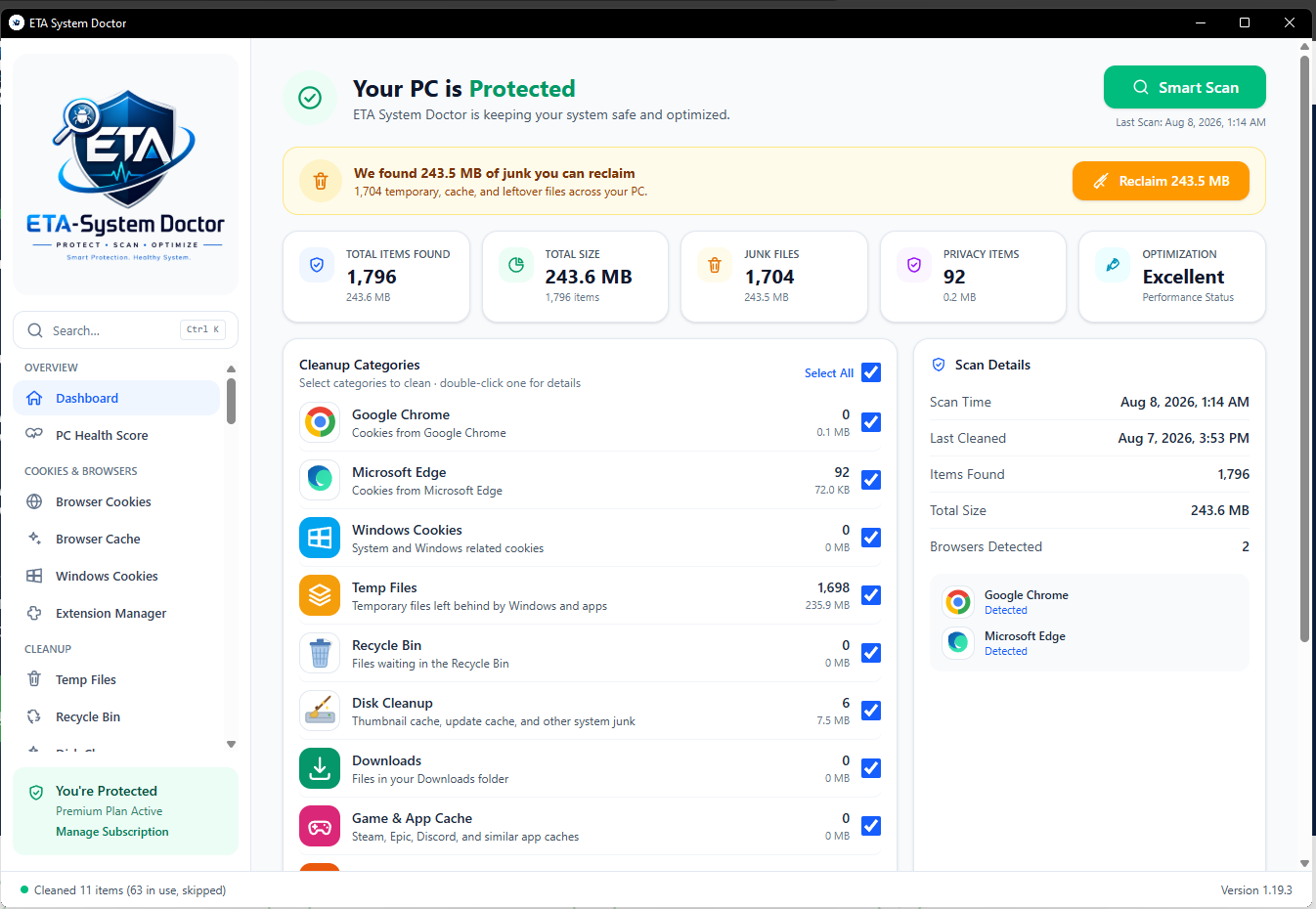
A comprehensive browser cleaner for major web browsers
From Chrome and Edge to Firefox, Safari, and Opera — ETA System Doctor reaches deep into every browser you use to scrub away tracking cookies, cache files, and download debris that quietly slow you down.
Everything ETA System Doctor can do
58+ cleanup, privacy, and speed tools in one app — real results you can feel every day.
Per-Site Cookie Cleaner
Chrome, Edge & Firefox — pick exactly which sites' cookies go, keep the rest.
Browser Cache Cleaner
Clear heavy browser caches without touching logins or bookmarks.
Temp & System Junk
Temp files, thumbnails, update caches, error reports — gone in one click.
Recycle Bin Manager
See what's inside, delete selectively, or empty it all at once.
Downloads Cleaner
Review and clean your Downloads — with a 7-day undo safety net.
Game & App Cache
Clear out Steam, Epic, and Discord clutter for smoother sessions.
Developer Junk
npm, pip, NuGet, and Gradle caches — gigabytes devs didn't know they lost.
Windows.old & Hibernation
Reclaim 20-30 GB from old Windows installs and the hibernation file.
Deep System Cleanup
Crash dumps and the Windows component store (WinSxS), cleaned safely.
WSL & Docker Disks
Compact virtual disks and hand unused gigabytes back to C:.
PC Health Score
One score from six checks tells you how your PC is really doing.
Auto Speed Boost
After every clean: performance power plan, lean visuals, upgrade advice.
Faster Boot, Every Time
Manage startup apps and cut down your PC's startup time.
Instant RAM Boost
One click frees memory and makes your PC feel new again.
Disk Optimizer & Health
SSD TRIM, HDD defrag, and live disk health status.
Battery Doctor
See how healthy your laptop's battery really is.
Duplicate & Large Files
Find copies and space hogs hiding in your folders.
Extension Manager
List and remove browser extensions you no longer use.
Registry Cleaner
Fix broken shortcuts and leftovers from uninstalled software.
File Shredder
Overwrite sensitive files before deletion — gone for good.
Adware & Junkware Removal
Hunt down adware, junkware, and preinstalled bloatware.
Rootkit & Defender Scans
Rootkit checks plus Windows Defender status and scans, in-app.
Password Vault
A local, encrypted vault with a built-in password generator.
Wi-Fi & Network Tools
Saved Wi-Fi passwords, connection test, and adapter reset.
Stop Windows Spying
Kill Microsoft's tracking and ad ID in one click.
Set & Forget Auto-Clean
Scheduled and low-space cleans run before you notice a problem.
Never Miss an Update
Every outdated app on your PC, updatable from one place.
USB-Ready, Install-Free
The portable edition runs from a thumb drive on any PC.
Saved Browser Password Import
Bring Chrome/Edge logins into your encrypted Vault, plus a CSV import for the rest.
Reminders
A built-in GST/tax filing calendar, plus your own client meetings and renewal deadlines.
Ransomware Canary
Decoy files watched around the clock — an urgent alert the moment something starts encrypting your files.
Client Confidentiality Mode
One click before a call: clipboard cleared, recent items paused, sensitive folders hidden.
Fleet Dashboard
Multi-PC license? See every machine's health in one place from your browser.
Printer/Spooler Fix
The #1 "my printer won't print" fix — clear stuck jobs and restart the spooler in one click.
Unplug Reminder
A nudge when your laptop's battery has been sitting at full charge and plugged in for too long.
Disk Space Forecast
See roughly how many days until your drive fills up, based on your own usage trend.
Install Size & Signature Check
Verify an app's real install size and whether it's digitally signed, before you decide to keep it.
Shortcut Fixer
Clean up Desktop and Start Menu shortcuts left pointing at nothing.
Wi-Fi Diagnostics
See your connection quality and nearby channel congestion, with a smarter-channel suggestion.
Duplicate Bookmark Finder
Find bookmarks pointing at the same page across Chrome, Edge, and Firefox.
Internet Connectivity Diagnostics
Pinpoints whether it's your router, your ISP, or DNS — not just "no internet."
Hosts File Integrity Guard
Watches for hosts-file entries outside your own settings — a classic DNS-hijack technique.
Archive Bloat Finder
Flags old, unextracted .zip/.rar/.7z files — especially ones already extracted right next to them.
Downloads Auto-Sort
Sort loose Downloads files into Documents/Images/Installers/Archives with one click.
Battery Energy Report
See which apps and drivers are costing the most battery right now, straight from Windows' own trace.
Silent Bundleware Watchdog
Get notified in real time if new software appears without you running a scan.
Clipboard/File-to-QR Transfer
Turn clipboard text or a small file into a QR code — scan it with your phone, no cloud round-trip.
Driver Backup Before Update
Export every installed driver to a folder first, so a bad update can be rolled back.
Shred from Right-Click
"Shred with ETA System Doctor" right in Explorer's context menu — no need to open the app first.
Startup Budget Alert
A heads-up the moment a new startup item would noticeably slow down your boot.
Webcam/Mic Usage History
See exactly when each app last used your camera or microphone, not just whether it's allowed.
New USB Device Alert
Get notified the moment a new USB storage device is plugged in.
Screen Time / Focus Report
See how much time each app has your active focus, day by day.
Idle Auto-Confidentiality
Confidentiality Mode turns itself on after your PC has been idle for a while — like a screen lock.
Software License Key Vault
A dedicated, encrypted place for your Windows/Office/game keys, right in your Password Vault.
Startup Delay Optimizer
Stagger heavy startup apps instead of disabling them, so boot doesn't get overloaded.
"Am I Being Watched?" Check
One page for camera/mic access, recent usage, and connected USB devices.
Firewall Rule Auditor
Review which inbound firewall rules are open to any remote address.
Give your machine the ultimate cleanup
Three ways ETA System Doctor helps your device breathe easier every single day.
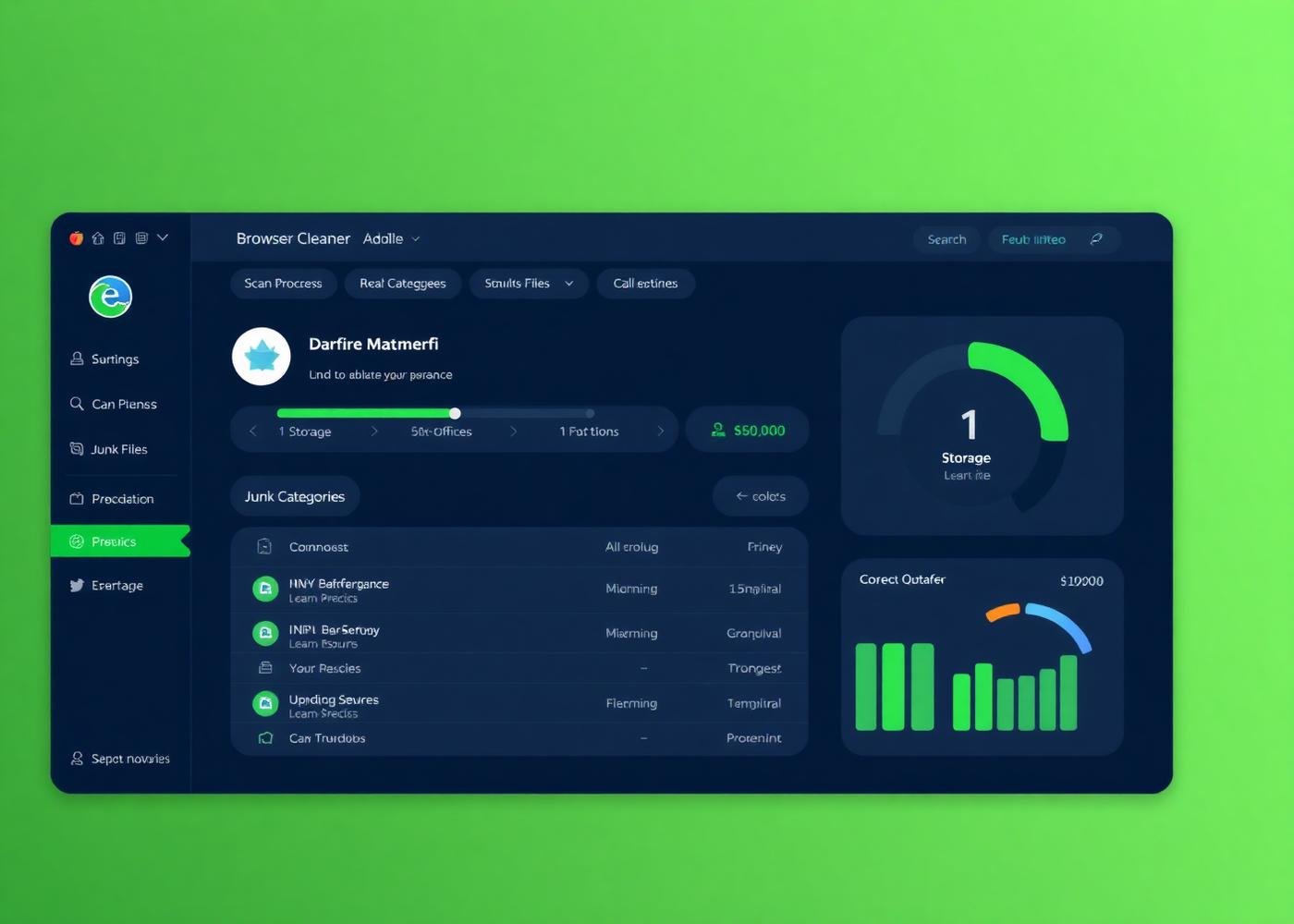
What can it do? Let's talk numbers
The results our users see, measured across millions of cleanups.
Average browsing speed improvement after a full clean.
Browsers open noticeably faster with clean profile data.
Median storage recovered per user in the first month.
Silent background scans that never interrupt your work.
Results are indicative only. Your results may vary.
How to clean your browser

Step 1: Download
Head to the download page and grab the installer that matches your OS. Double-click ETA-SystemDoctor-Setup and follow the on-screen prompts — the whole install takes less than a minute.
Download ETA System Doctor to optimize your browser
Join millions who trust ETA System Doctor to keep their browsing fast, private, and clutter-free. Try it free — no credit card required.
FAQ
System requirements
Windows 11 / 10 / 8 / 7 — 64-bit and 32-bit editions.
For personal and family use only.